
iPad
Octopus Explorer is a universal iOS app — the same binary that runs on iPhone installs directly on iPad from the App Store. On iPad Pro 13-inch and iPad Air, the larger canvas gives every screen more room: poster art renders at higher resolution, lists show more rows, and the request sheet has space to breathe.
A dedicated native iPad layout pass — using NavigationSplitView, sidebar-adaptive TabView, and size-class branching — is in active development and will land before any non-Apple platforms are added.
What works on iPad today
Section titled “What works on iPad today”All features available on iPhone are fully functional on iPad with no limitations:
- Discover — browse your server’s content rows with larger poster art
- Search — find movies, TV shows, and people with type-ahead search
- Media detail — full backdrop, cast row, request button — the same screen, more space
- Request flow — season picker, quality profile, submit — identical to iPhone
- Watchlist — Jellyfin watchlist with per-item request controls
- Multi-server — add, switch, and manage multiple Seerr instances
Screenshots
Section titled “Screenshots”The screenshots below were taken on an iPad Pro 13-inch (M4) simulator at 2064 × 2752 px — the size required by App Store Connect for iPad submissions.
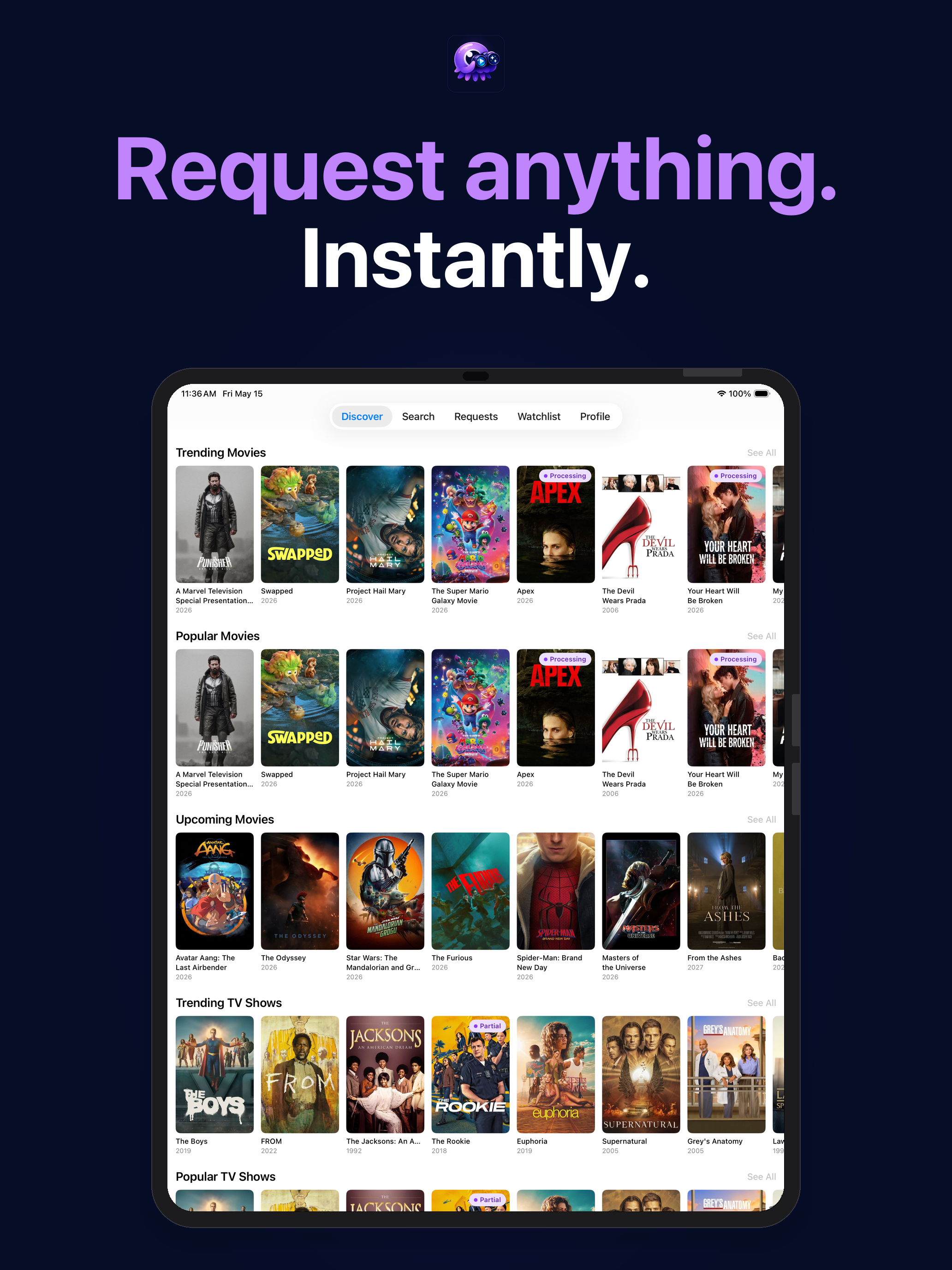
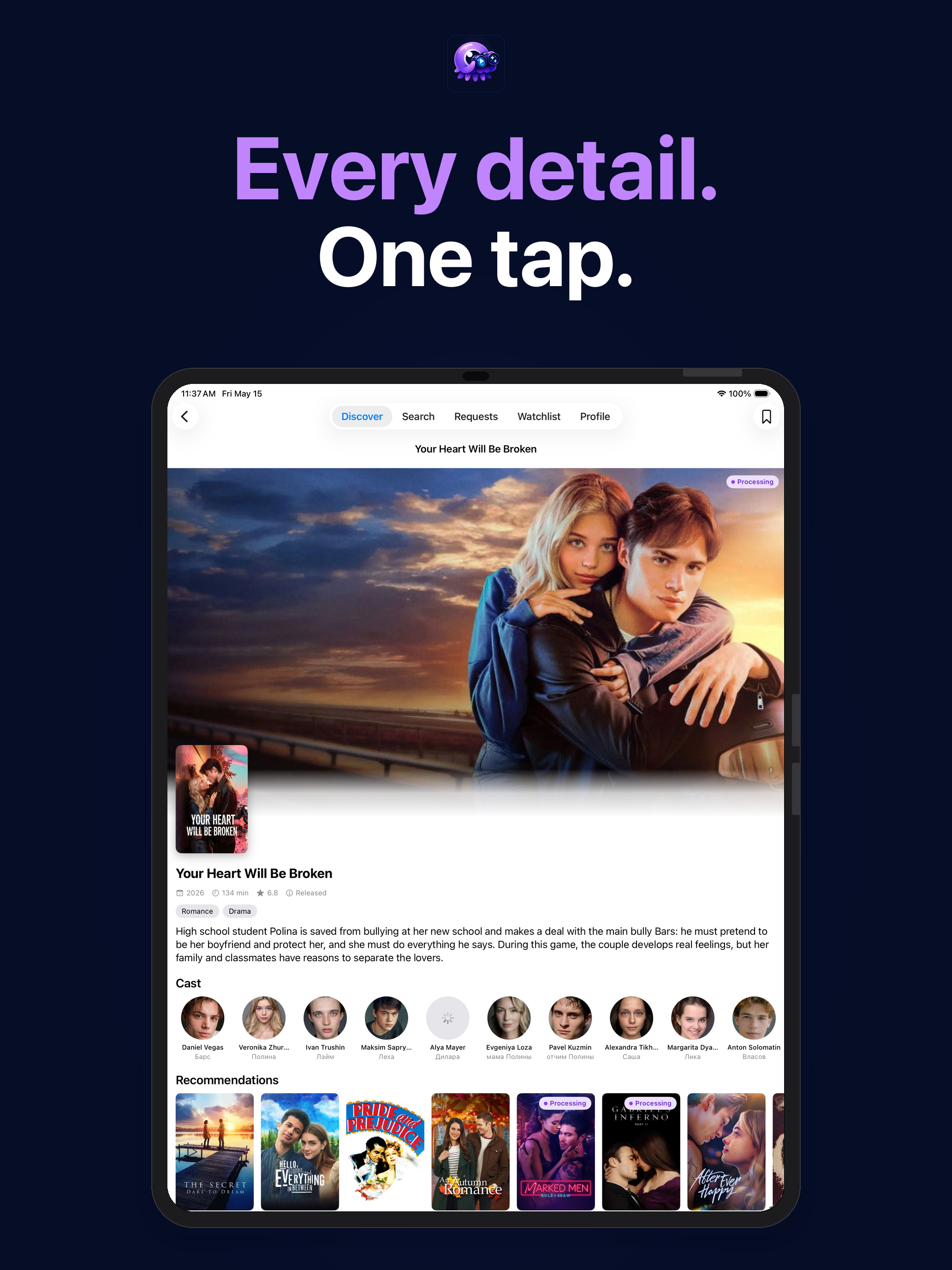
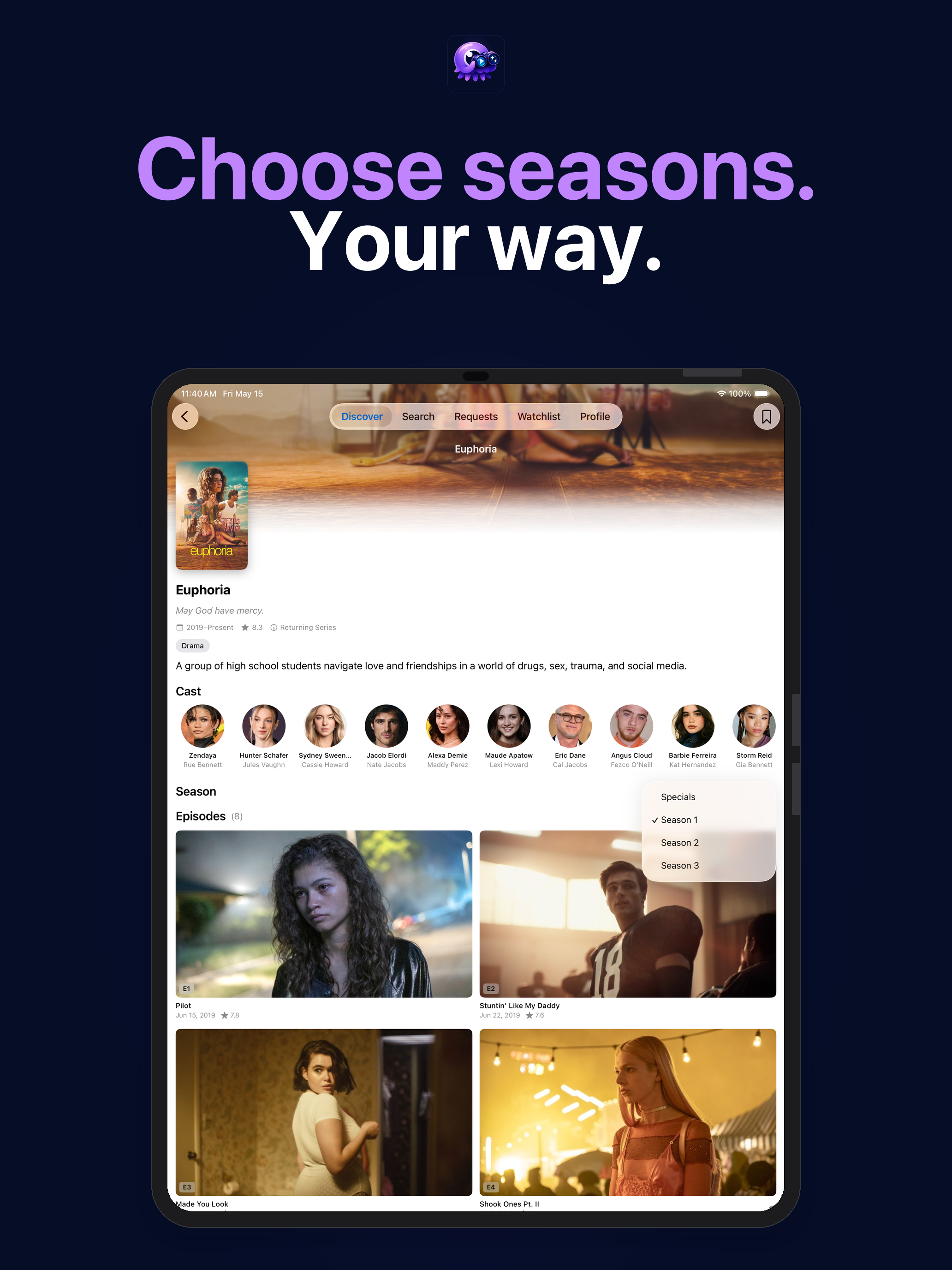
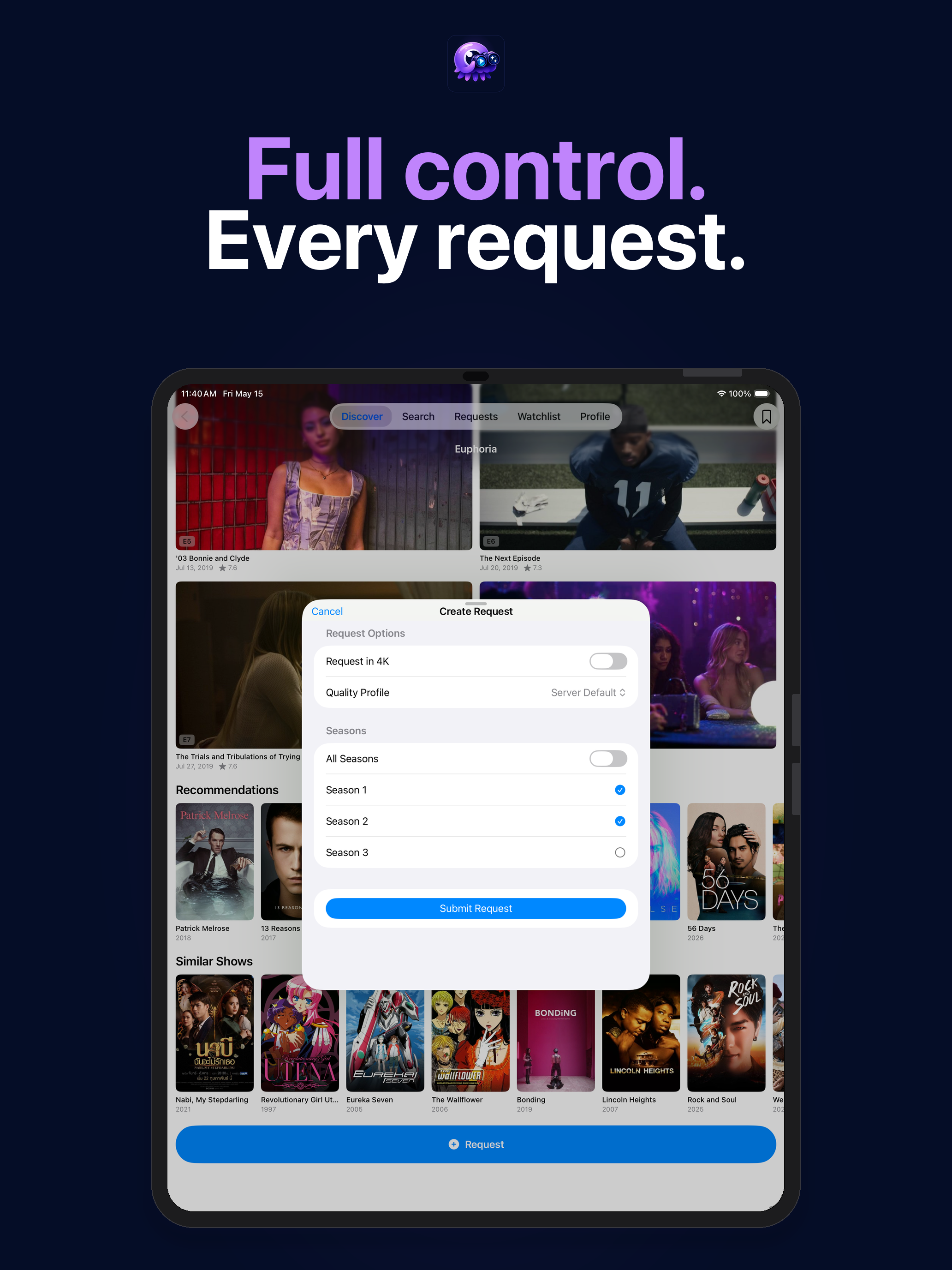
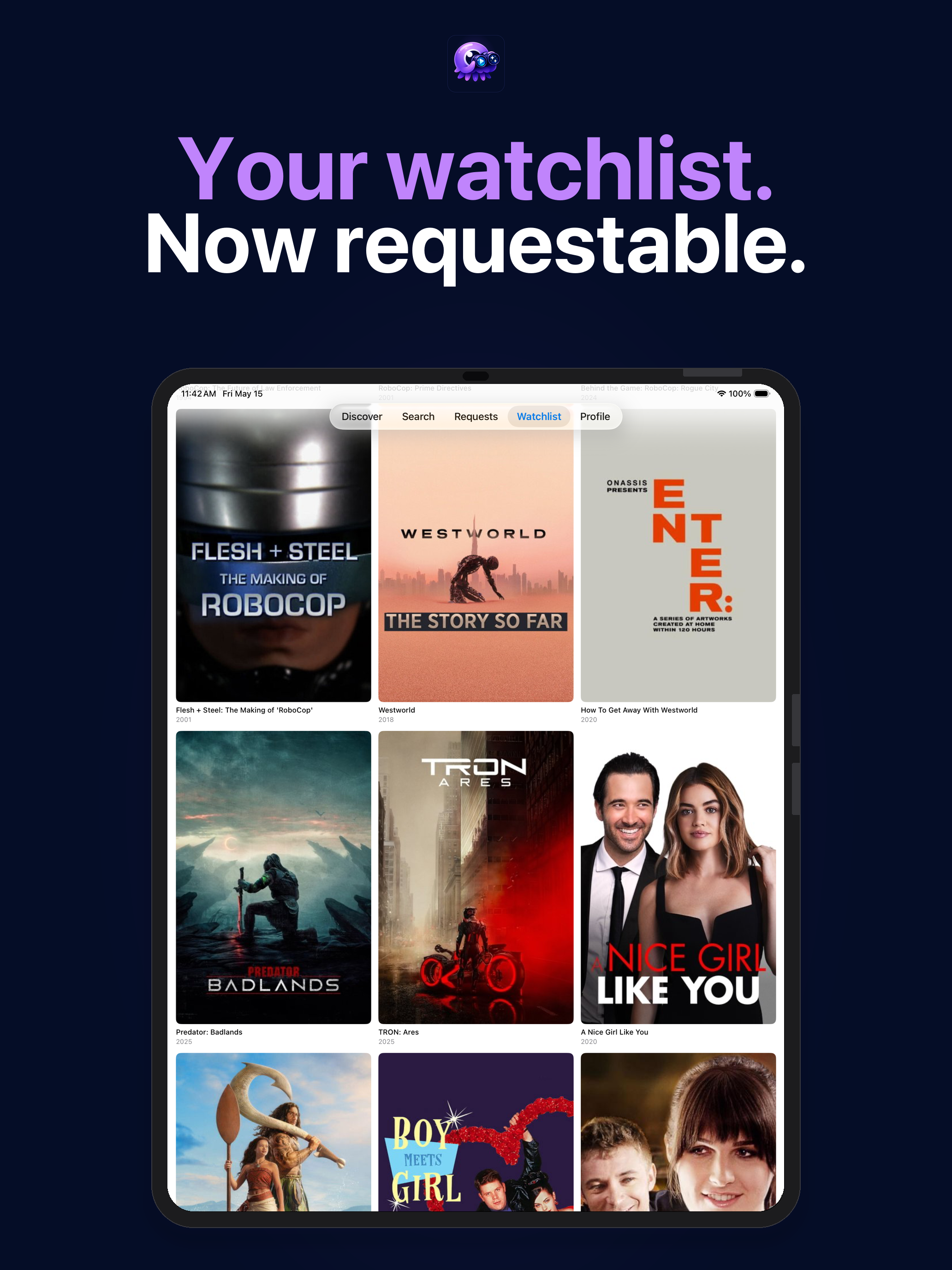
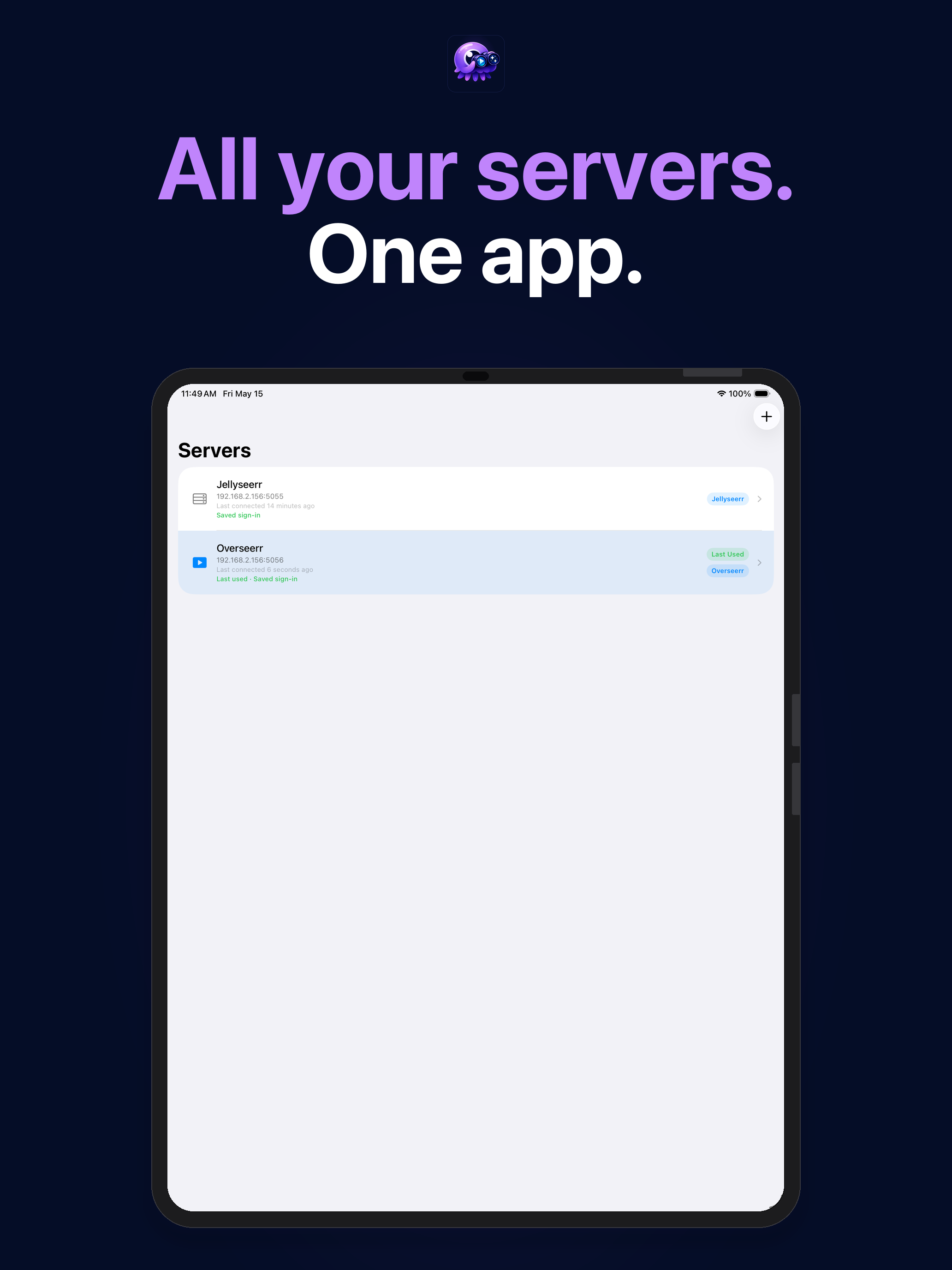
Poster artwork courtesy of The Movie Database (TMDB). All rights belong to their respective owners.
Native iPad layout — in development
Section titled “Native iPad layout — in development”The current layout is the iPhone layout displayed on iPad. A native iPad layout pass is in active development:
NavigationSplitView— sidebar navigation with a persistent left column on iPad Pro and iPad Air- Sidebar-adaptive
TabView— tabs collapse into a sidebar on regular-width horizontal size classes - Size-class branching — content layout adapts to
horizontalSizeClassso the UI never simply stretches the phone layout
This pass is required before Android, Android TV, or any other non-Apple platform work begins.
macOS (Apple Silicon)
Section titled “macOS (Apple Silicon)”SeerrClient runs on Apple Silicon Macs via Designed for iPad — no separate download, no code changes. Open the App Store on a Mac with Apple Silicon, search for SeerrClient, and install it exactly as you would on iPad.
A native macOS target (SwiftUI multiplatform, not Catalyst) is planned as Phase 1.6, reusing the SwiftUI view layer with a macOS-tuned layout. That work begins after the iPad layout pass is complete.
Get started
Section titled “Get started”Install SeerrClient from the App Store — it’s free and universal. Connect your Jellyseerr, Overseerr, or Seerr server and you’re up and running in under two minutes.