iPhone
Octopus Explorer for iPhone is the primary iOS experience — the baseline every other platform page on this site describes deltas from. The Getting Started and Using Octopus Explorer guides walk through this exact flow.
What works on iPhone
Section titled “What works on iPhone”- Browse and discover — content sliders configured on your server
- Search — movies, TV shows, and people with instant type-ahead results
- Request media — full or partial TV seasons, quality profile picker, collection support
- Manage requests — approve, decline, and delete requests as an admin
- Watchlist — view and request from your Jellyfin watchlist in one tap
- Multiple servers — add and switch between Jellyseerr, Overseerr, and Seerr instances
- Persistent login — Remember Me, credentials stored in the device Keychain
The iPhone experience
Section titled “The iPhone experience”The interface is designed compact-first: single-column navigation, a bottom tab bar, and portrait-first layouts optimized for one-handed use. Every screen — Discover, Search, Media Detail, Request Flow, Watchlist, and Profile — is built around the iPhone’s screen size as the reference layout.
Screenshots
Section titled “Screenshots”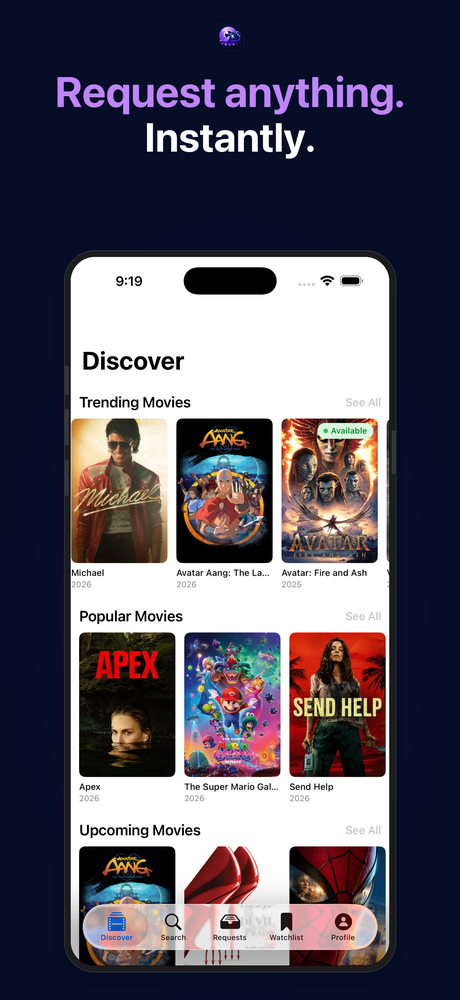
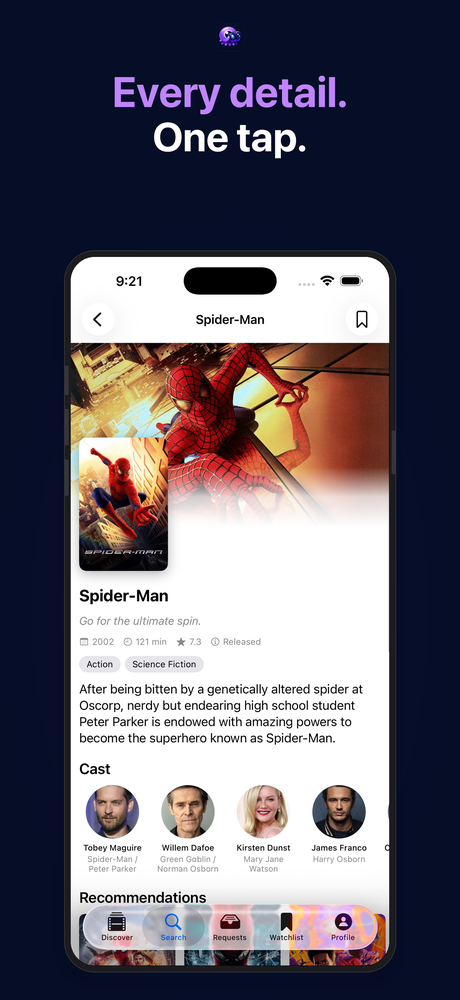
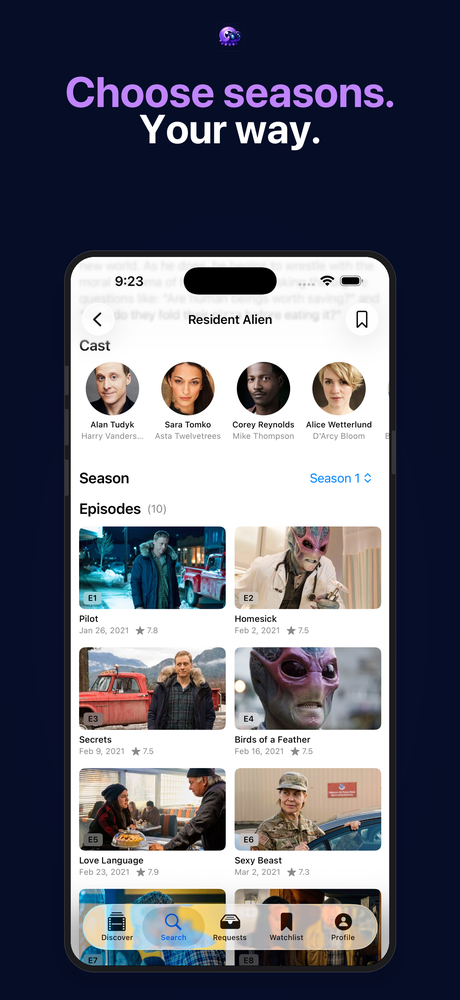
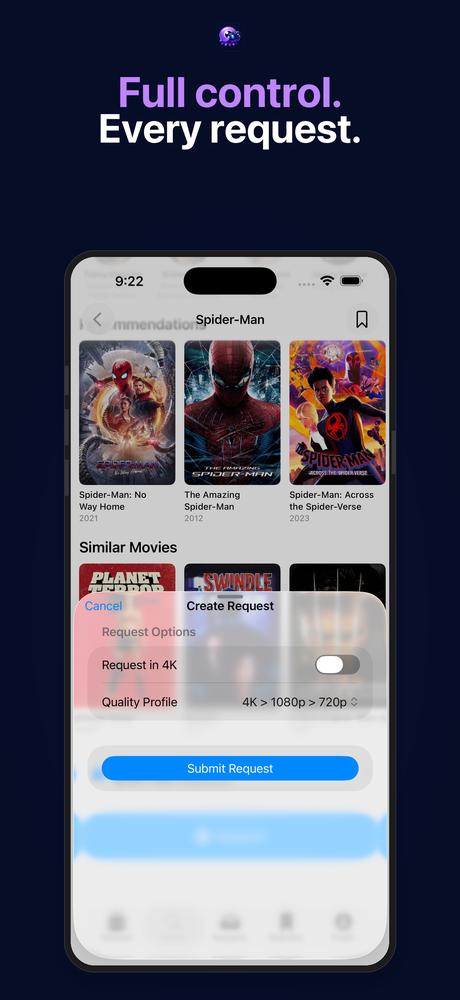
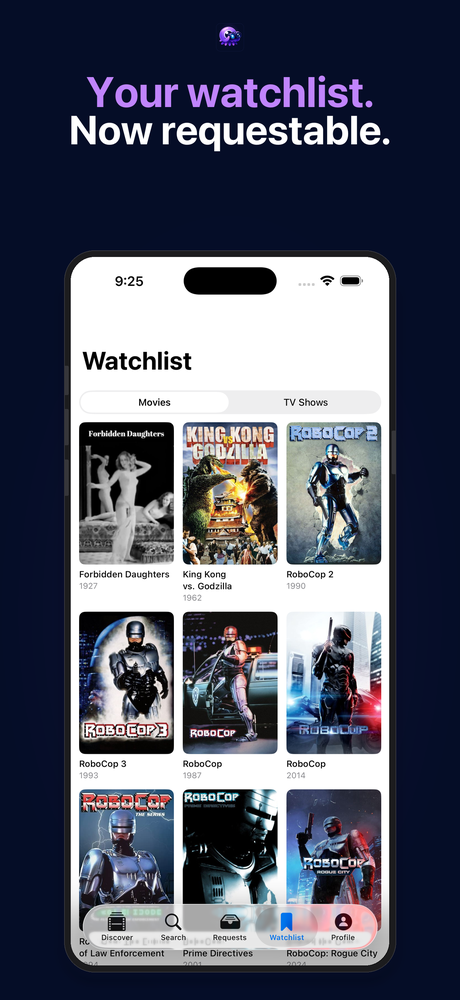
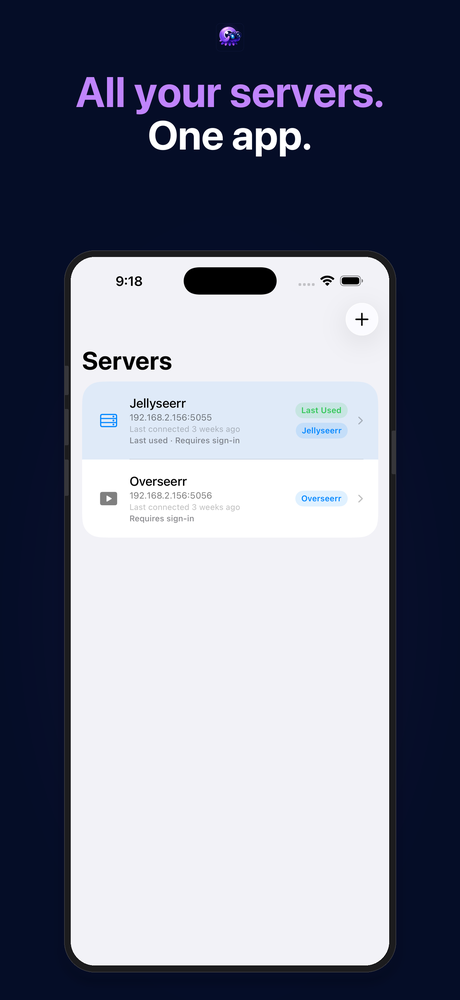
Poster artwork courtesy of The Movie Database (TMDB). All rights belong to their respective owners.
Related platforms
Section titled “Related platforms”Octopus Explorer is a universal iOS app — the same binary that runs on iPhone installs directly on iPad, where a larger canvas and a dedicated native layout pass add more screen real estate on top of this same baseline experience. It also runs on Apple Silicon Macs via Designed for iPad — see the iPad page for details.
Get started
Section titled “Get started”Install the app — free, pending App Store approval — then connect your server and sign in to get started.